UNIQ Design & Build — Luxury Architecture Website & CMS
Check it out01 — A homepage that feels like walking into the studio
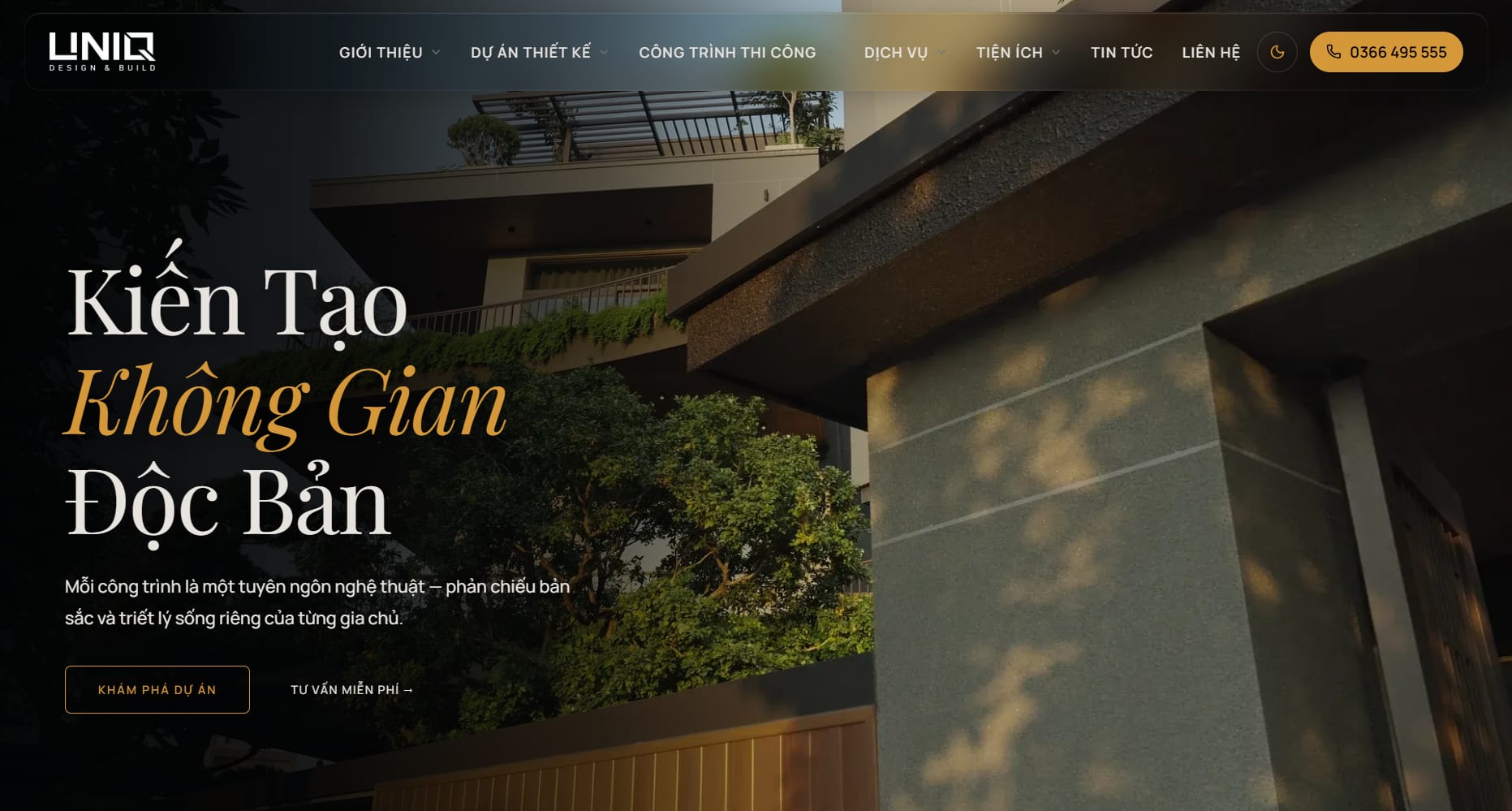
A dark, warm palette with gold accents, Playfair Display headings and smooth Lenis + GSAP scrolling set the tone of a luxury atelier. The homepage moves from the brand story to featured designs, completed sites, the 6-step process, the cost estimator and the journal — each block leads to its own page.

About UNIQ
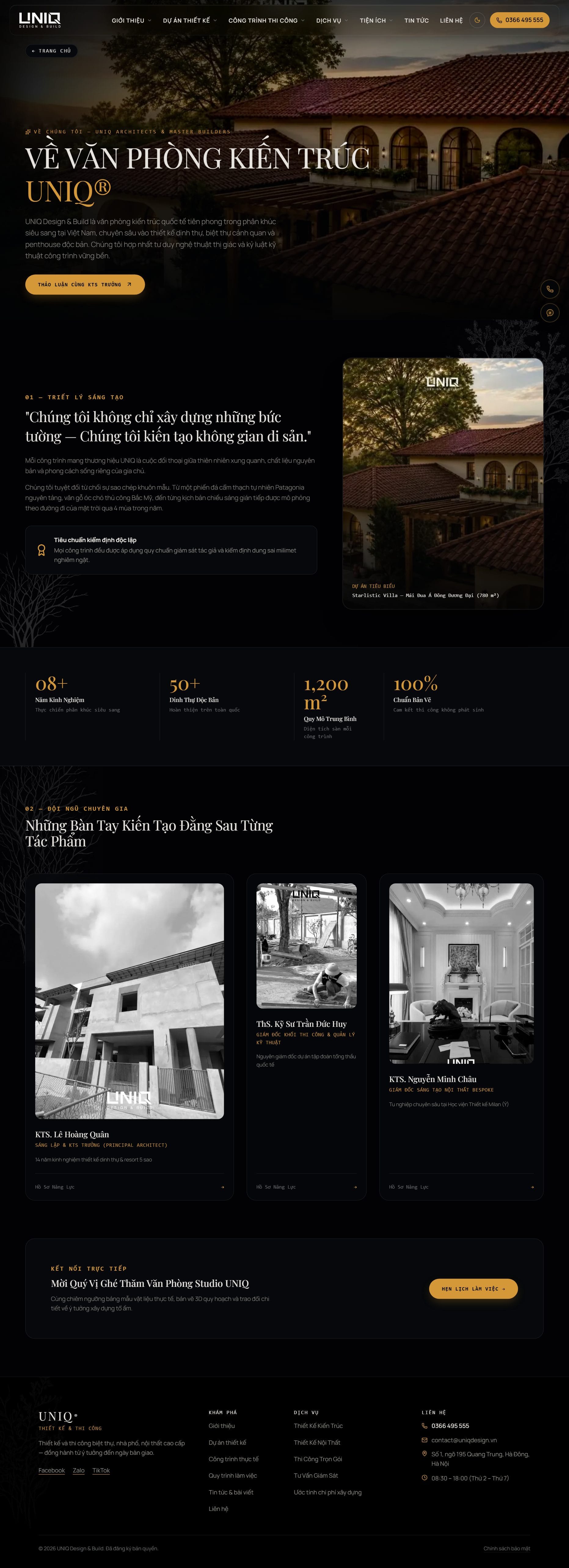
The about page tells the studio's story, its design philosophy and the team behind each project, so a homeowner knows who they will be working with.
02 — Design portfolio with filters
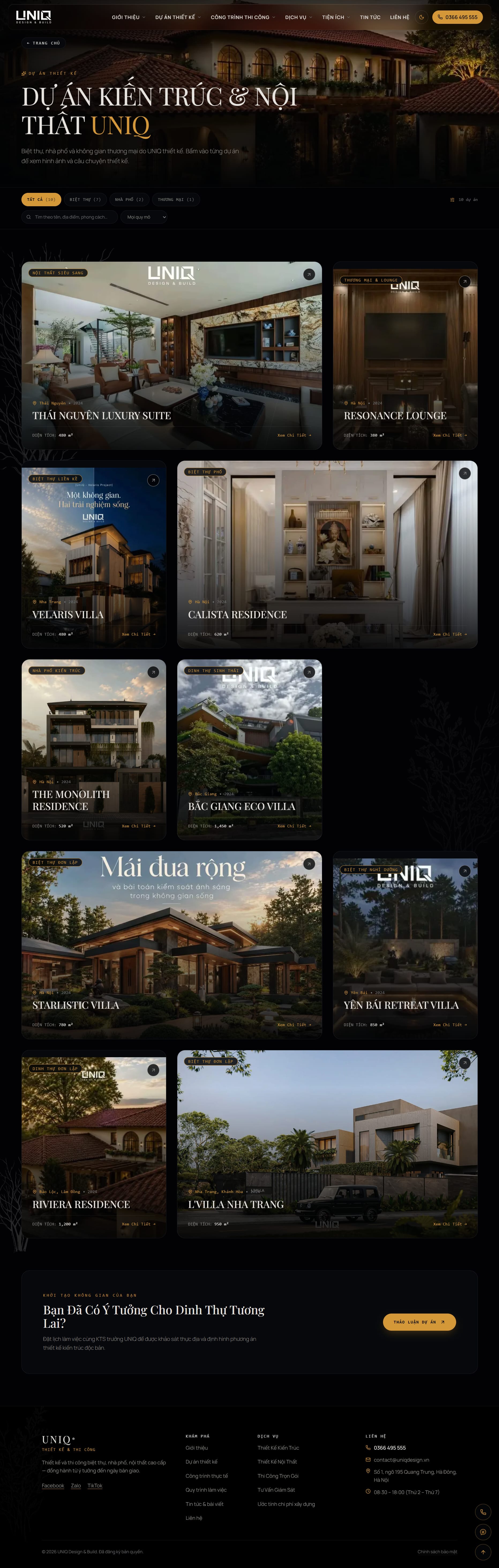
Projects are shown in an uneven bento grid and filtered by type — villa, townhouse, commercial — or searched by name, location and style. Each card already shows location, year and floor area, so visitors can compare before clicking.
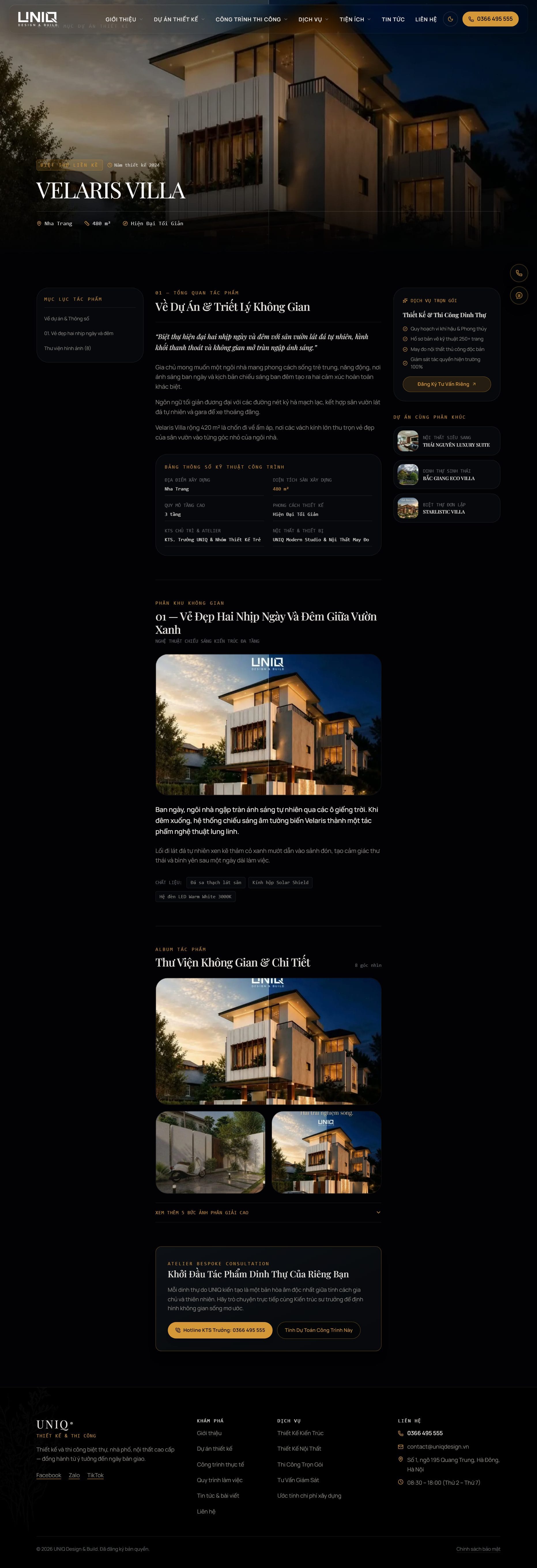
A project page that tells a design story
Following the brief, every project is more than an album: a specification table (location, area, floors, style, architect), design zones with materials, a photo library with captions and alt text, and related projects in the sidebar.
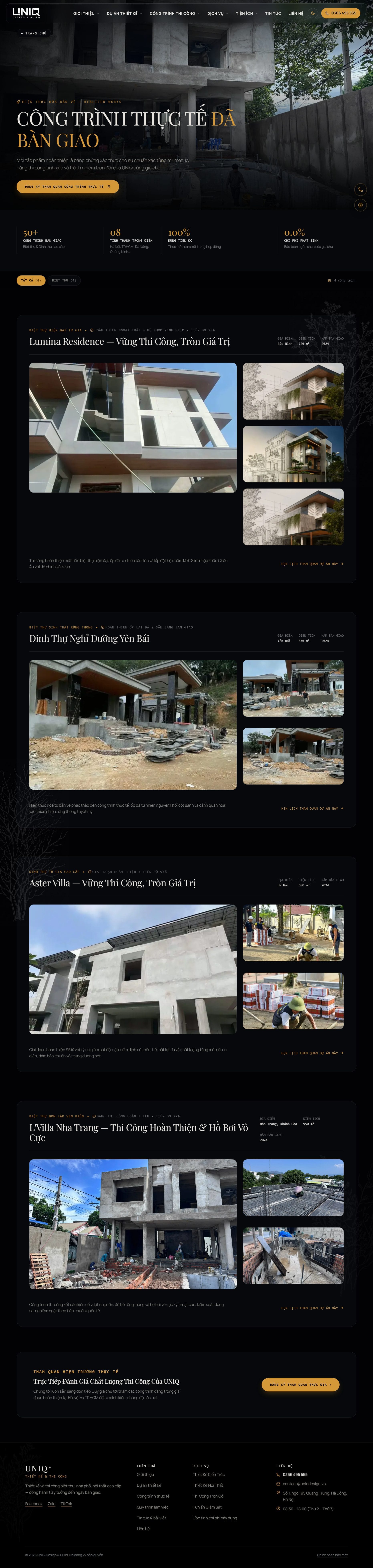
03 — Completed sites, logged stage by stage
A separate section for construction work proves UNIQ builds what it draws. Sites are grouped by type and each card shows progress, location and year.
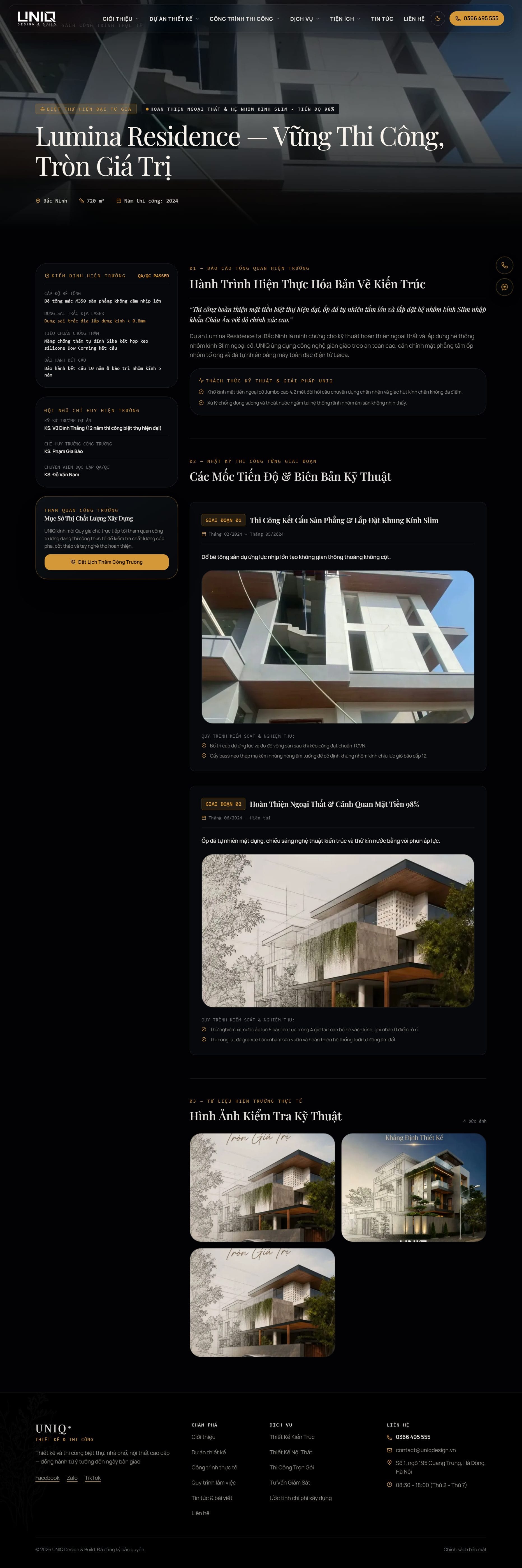
Site reports with QA checkpoints
Each site page reads like a site report: QA/QC readings, the site management team, construction stages with dates and inspection checklists, and on-site photos. Homeowners can also book a visit to an active site.
04 — Service pages & the 6-step process
Each service — architecture, interiors, turnkey build, supervision — has its own page with scope, solutions, process, related projects, FAQ and a call to action, with no fixed content length so the SEO team can expand them.

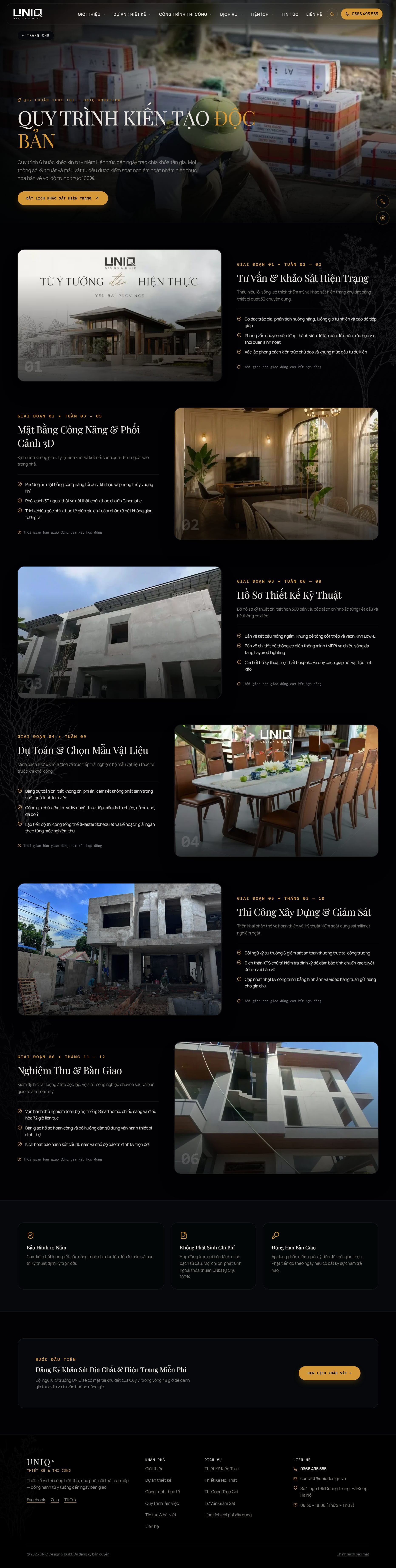
From idea to handover
The process page lays out the six stages from site survey to handover, so homeowners know what happens at every step and what they receive.
05 — A cost estimator that answers the first question
"How much will it cost?" is answered on the spot: pick a house type, floor area, number of floors and finish level, and the estimate updates instantly with a breakdown of structure and finishing. Unit prices and coefficients come from the CMS, and the lead form below captures the numbers the visitor chose.
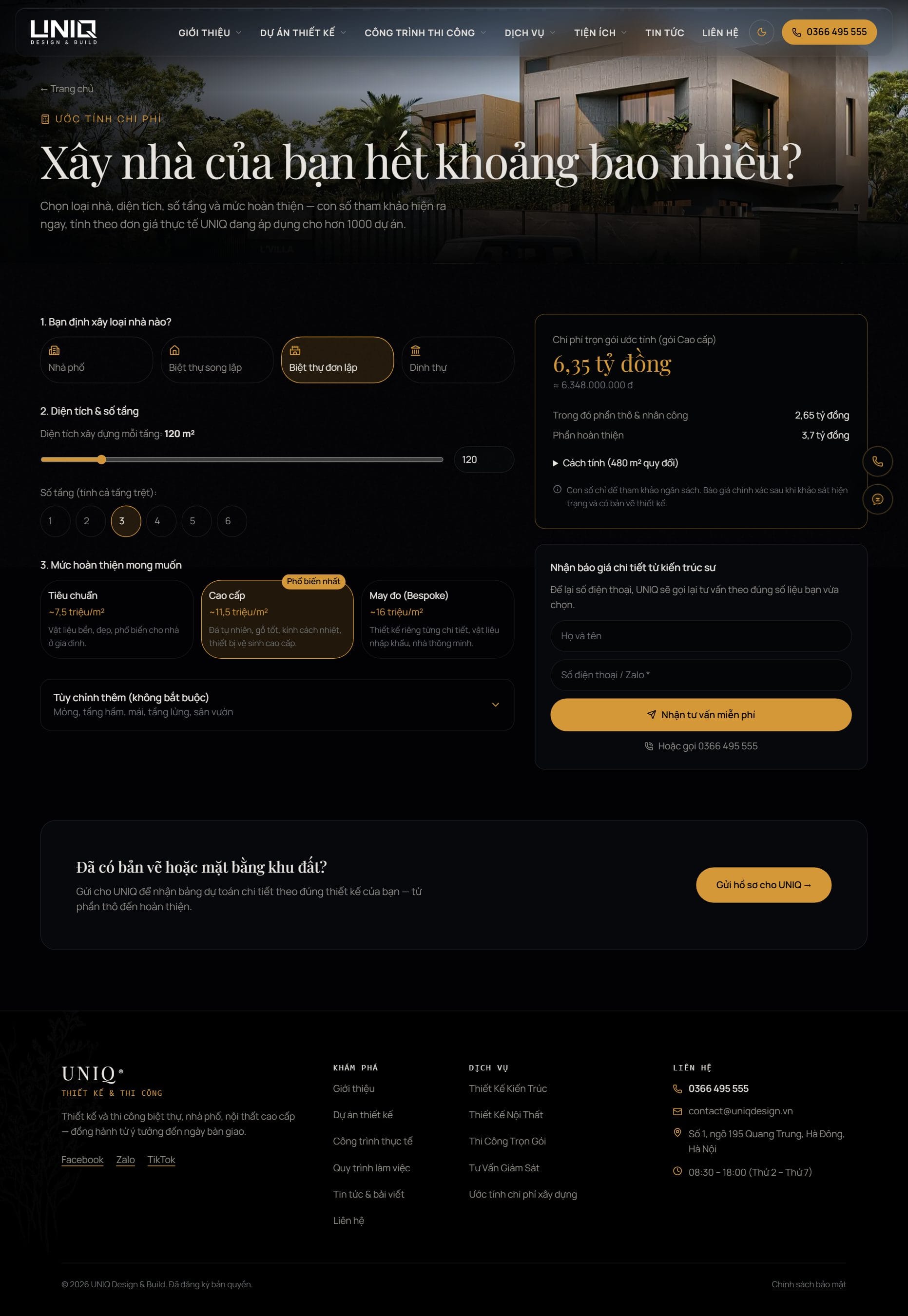
Pricing page
Design and interior fees are published by package, so visitors arrive at a consultation already knowing the range.

Consultation form that feeds the CRM
Every form on the site — contact, estimator, site visit booking — is validated with Zod, saved as a lead in the CMS and triggers an email notification, so no enquiry is lost in an inbox.
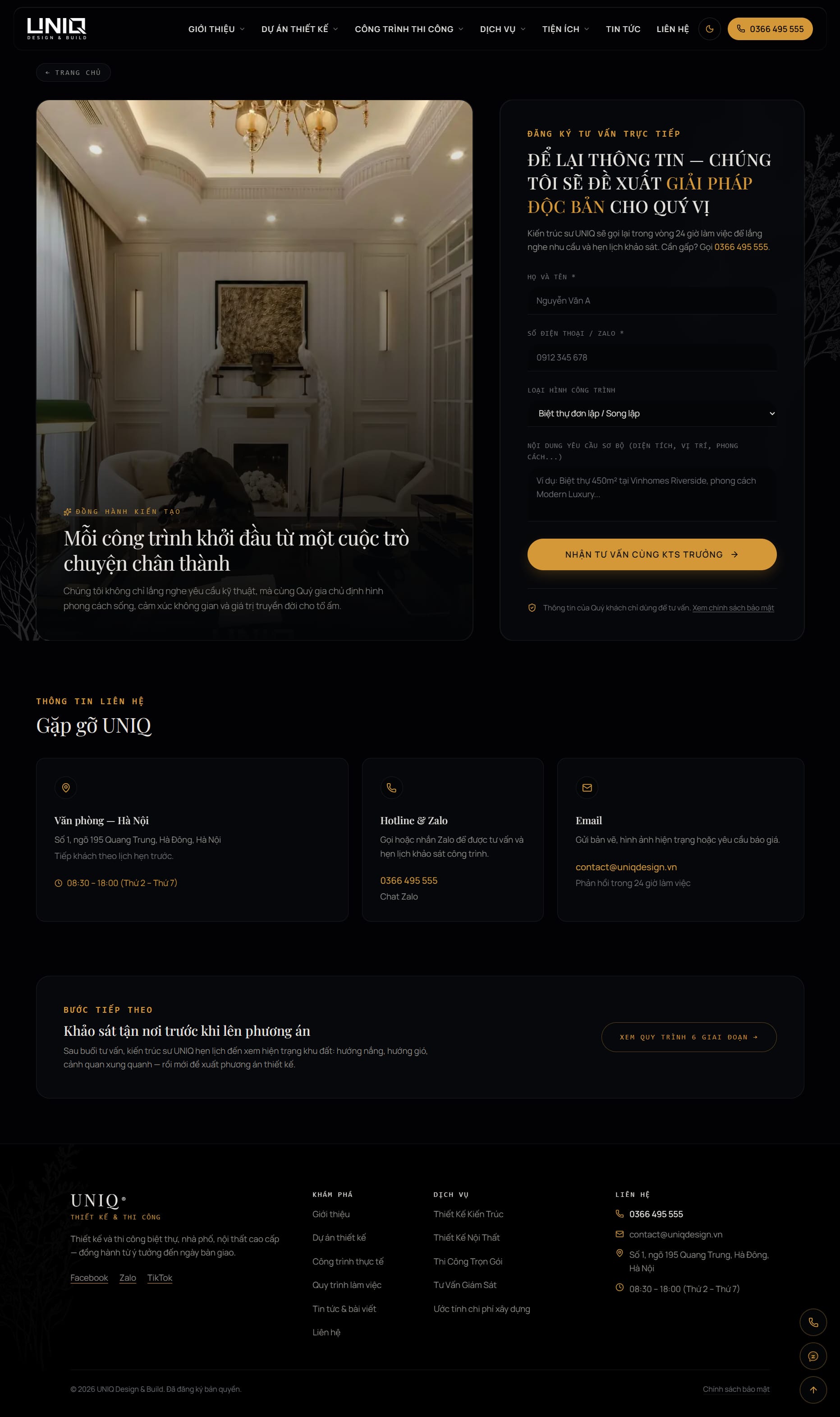
06 — Architecture journal built for search
Long-form articles have a sticky table of contents, key takeaways, pull quotes, author box and related posts. Each article outputs Article and BreadcrumbList structured data, and the editor (Tiptap) supports headings, tables, images and YouTube embeds.
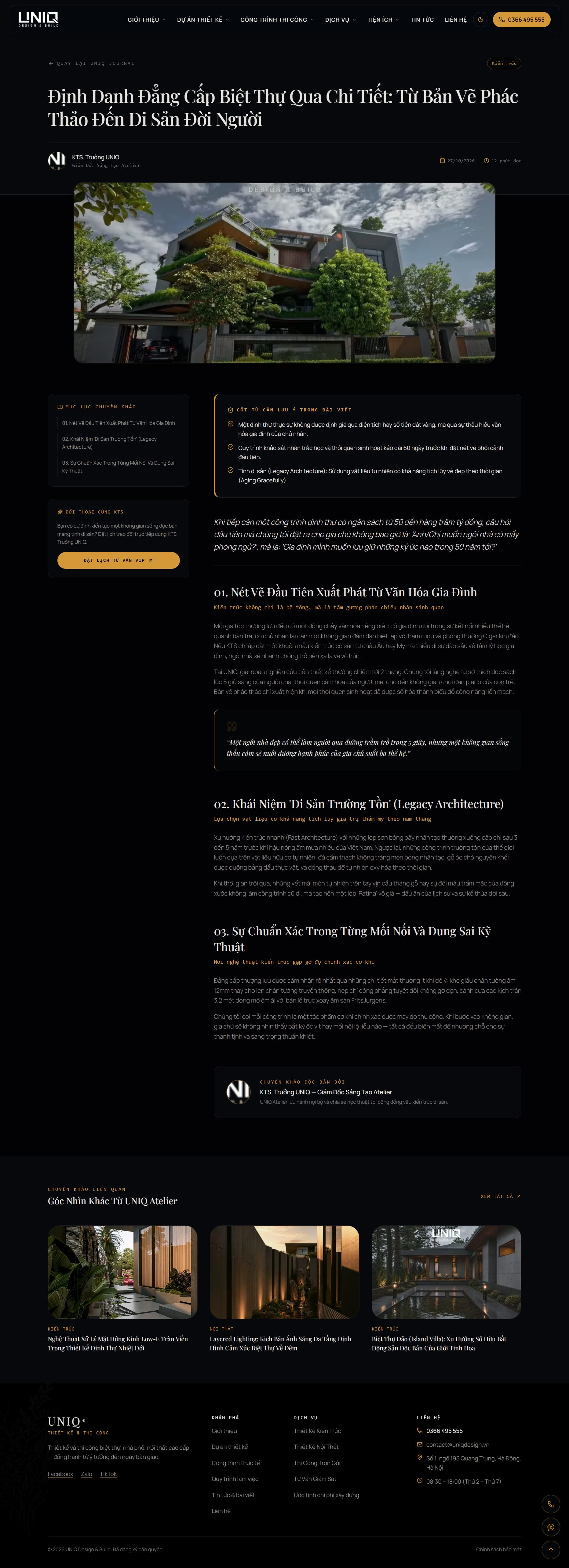
07 — A CMS the SEO team runs on its own
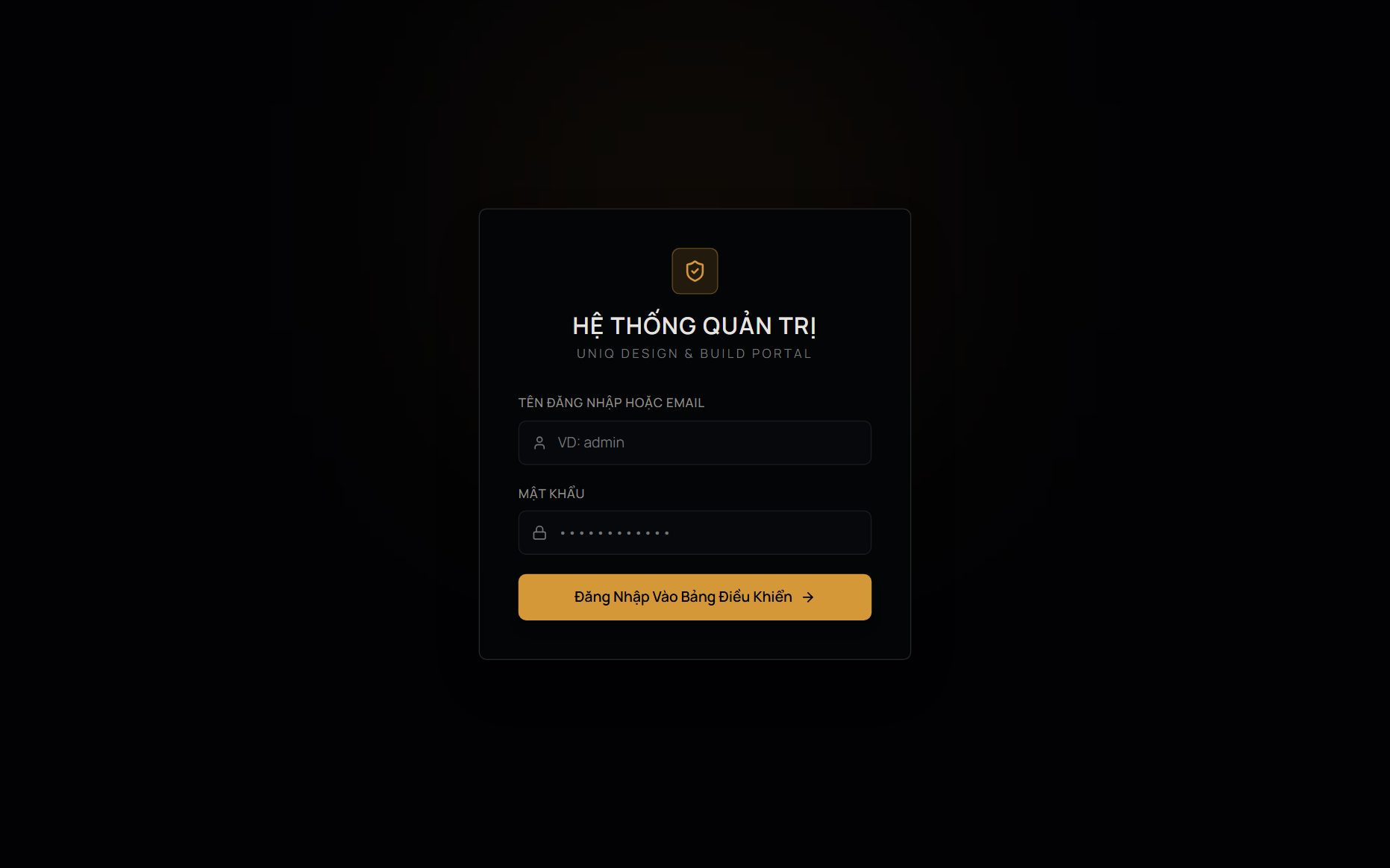
Behind the site is an admin portal built with Prisma and JWT: projects, construction sites, services, articles, categories, testimonials, cost tables, leads, 301 redirects, site settings, audit log, backups and a recycle bin. Each page has its own SEO title, meta description, slug, canonical and index/noindex, and editors save drafts while admins approve.